
Conducting remote interviews or assessments? Ensure every candidate is genuine.
ScreenComply monitors candidate activity during virtual interviews and assessments, generating neutral, evidence-based integrity reports, letting your hiring team focus on evaluating talent, not policing behavior.
See what candidates are using right now
Watch AI feed a candidate real-time answers during a live interview — without the interviewer ever noticing.
The Technology
How ScreenComply Detects Integrity Violations
ScreenComply monitors for the primary ways candidates attempt to compromise remote interviews and assessments, from AI-assisted answering to off-screen collaboration and unauthorized device usage.
Multi-Signal Analysis
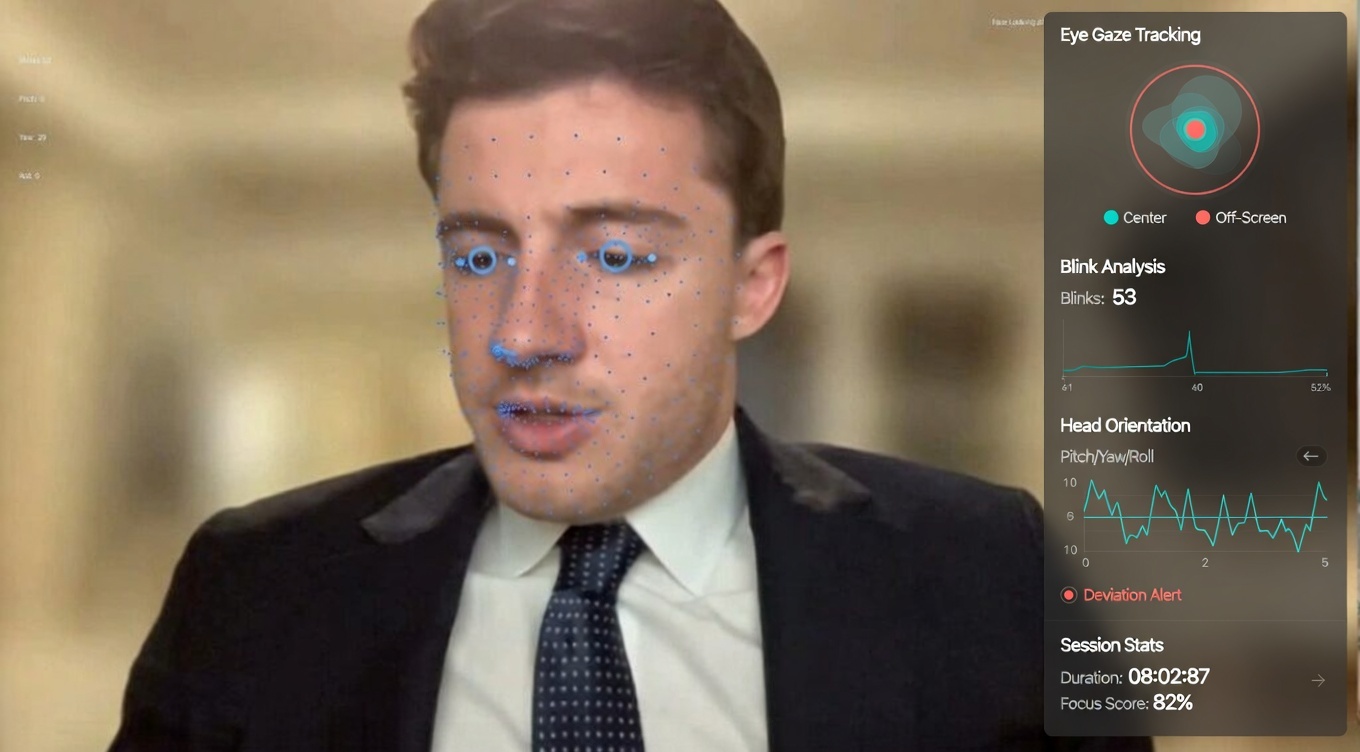
ScreenComply combines process-level detection, behavioral analysis, and system telemetry into a unified integrity assessment. Rather than relying on single indicators, our platform correlates multiple signals to produce accurate, evidence-backed classifications that withstand audit scrutiny.
How It Works
Dead simple to deploy. Impossible to cheat.
No new meeting tools. No complex integrations. No hardware. Just add ScreenComply to your existing workflow and get evidence-based integrity reports after every session.
Invite & Join
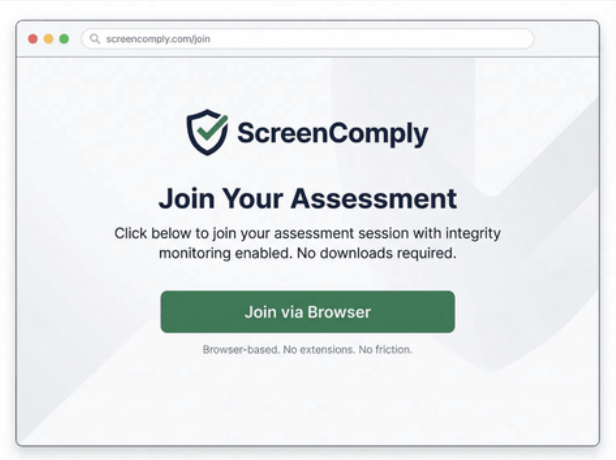
Schedule the interview in Zoom, Teams, Google Meet, or whatever tools you already use. The candidate receives a single secure link and joins through the ScreenComply browser environment with integrity monitoring enabled. No downloads, no extensions, no friction on your end.
Launch & Monitor
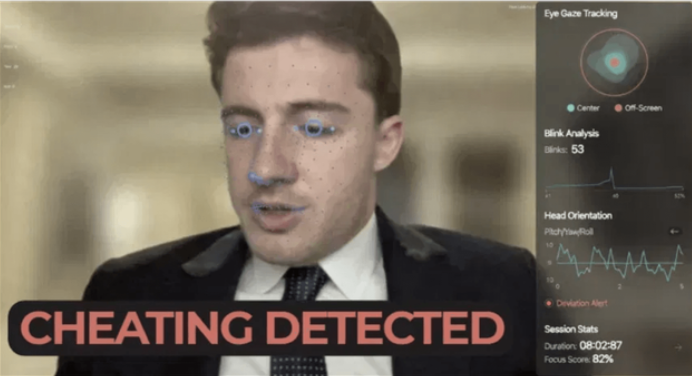
During the session, ScreenComply operates at the OS level, continuously monitoring for unauthorized AI copilots, virtual machines, deepfake injections, and proxy software that standard lockdown browsers miss. Biometric analytics track face position, eye gaze, and head orientation in real time.
Detect & Report
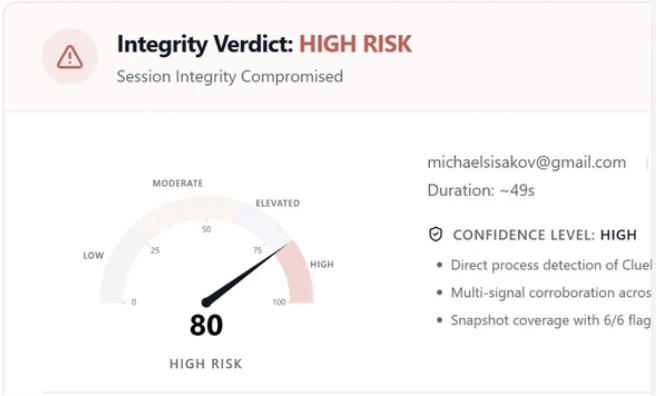
After the session, your team receives a definitive Integrity Report detailing any unauthorized AI assistance, proxy usage, or policy violations, with a clear risk verdict and supporting evidence.
Secondary device detection runs throughout the session, flagging phones, tablets, and second monitors used to read external content — without requiring extra hardware on the candidate's side.
Platform Features
Everything You Need for Interview & Assessment Integrity
From detection to documentation, ScreenComply provides comprehensive tools for secure, compliant remote interviews and assessments.
AI Tool Detection
Identifies overlay software, AI copilots, and concurrent assistant activity that standard video platforms cannot see.
Behavioral Analysis
Monitors gaze direction, head movement, and posture patterns to flag potential off-screen collaboration or coaching.
Evidence Capture
Structured snapshot intervals create a timestamped evidence trail, producing immutable documentation for every session.
Device & Environment Monitoring
Detects secondary devices, virtual machines, unauthorized peripherals, and suspicious network configurations.
Audit-Ready Reporting
Auto-generated integrity reports with risk classification, confidence scoring, and scope documentation for compliance review.
Enterprise Security
Built for regulated environments with SOC 2 alignment, data encryption at rest and in transit, and configurable retention policies.
Questions & Answers
Frequently Asked Questions
Common questions about how ScreenComply works and what it means for your interview and assessment process.
Still have questions?
Contact UsReady to Secure Your Remote Interviews and Assessments?
Deploy structured integrity assurance across your high-stakes interview and assessment workflows.